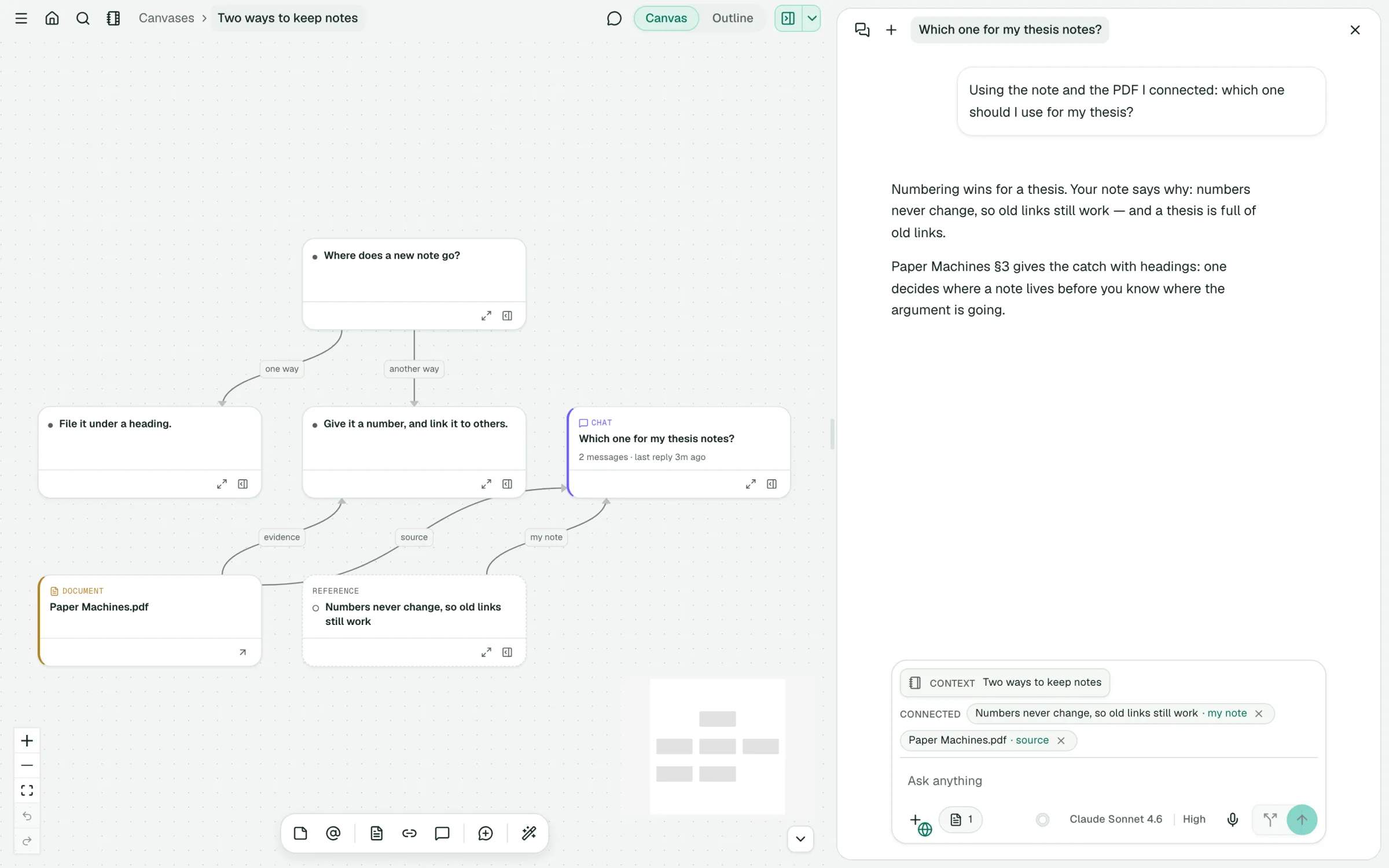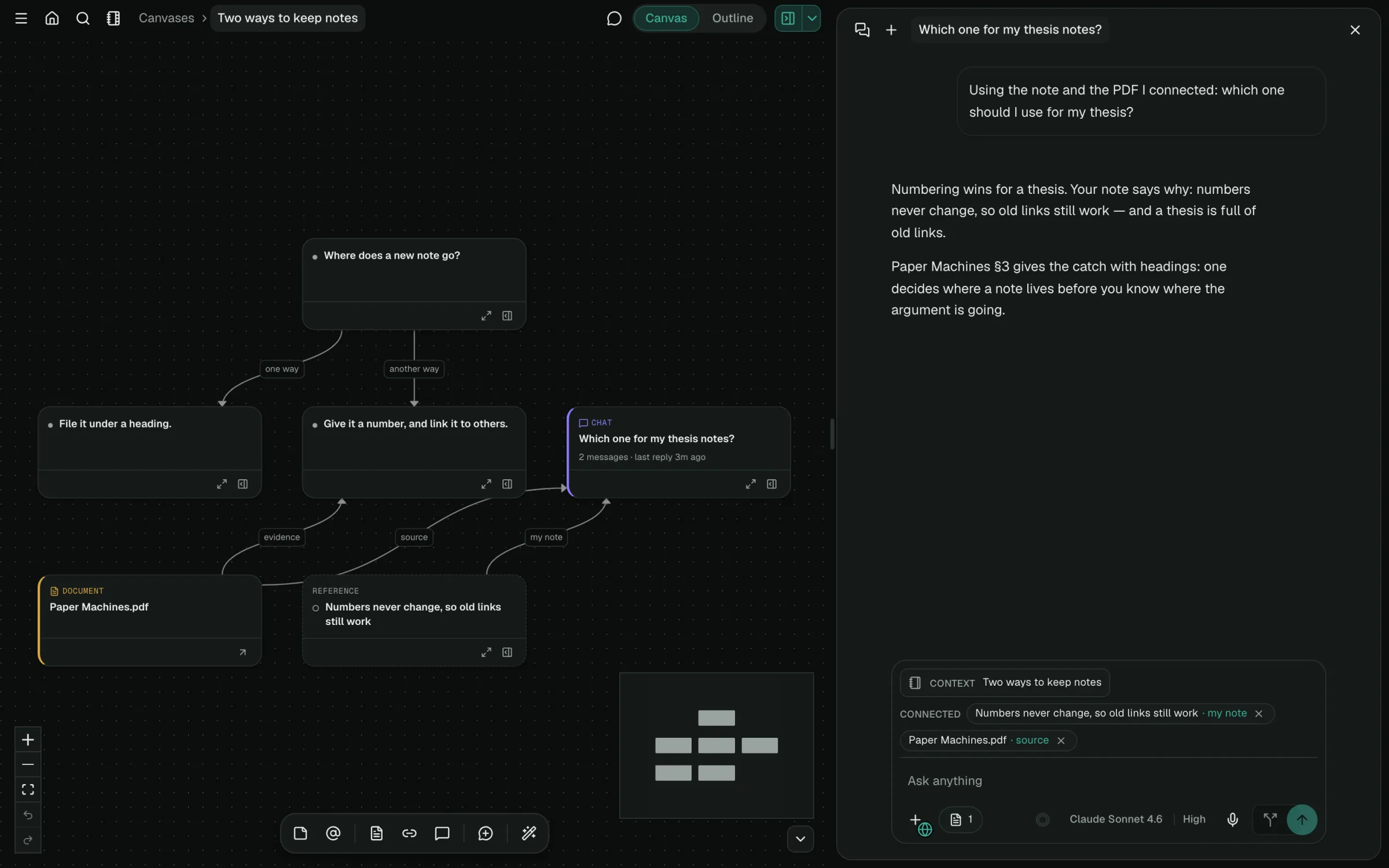
Native branching · first-class UI
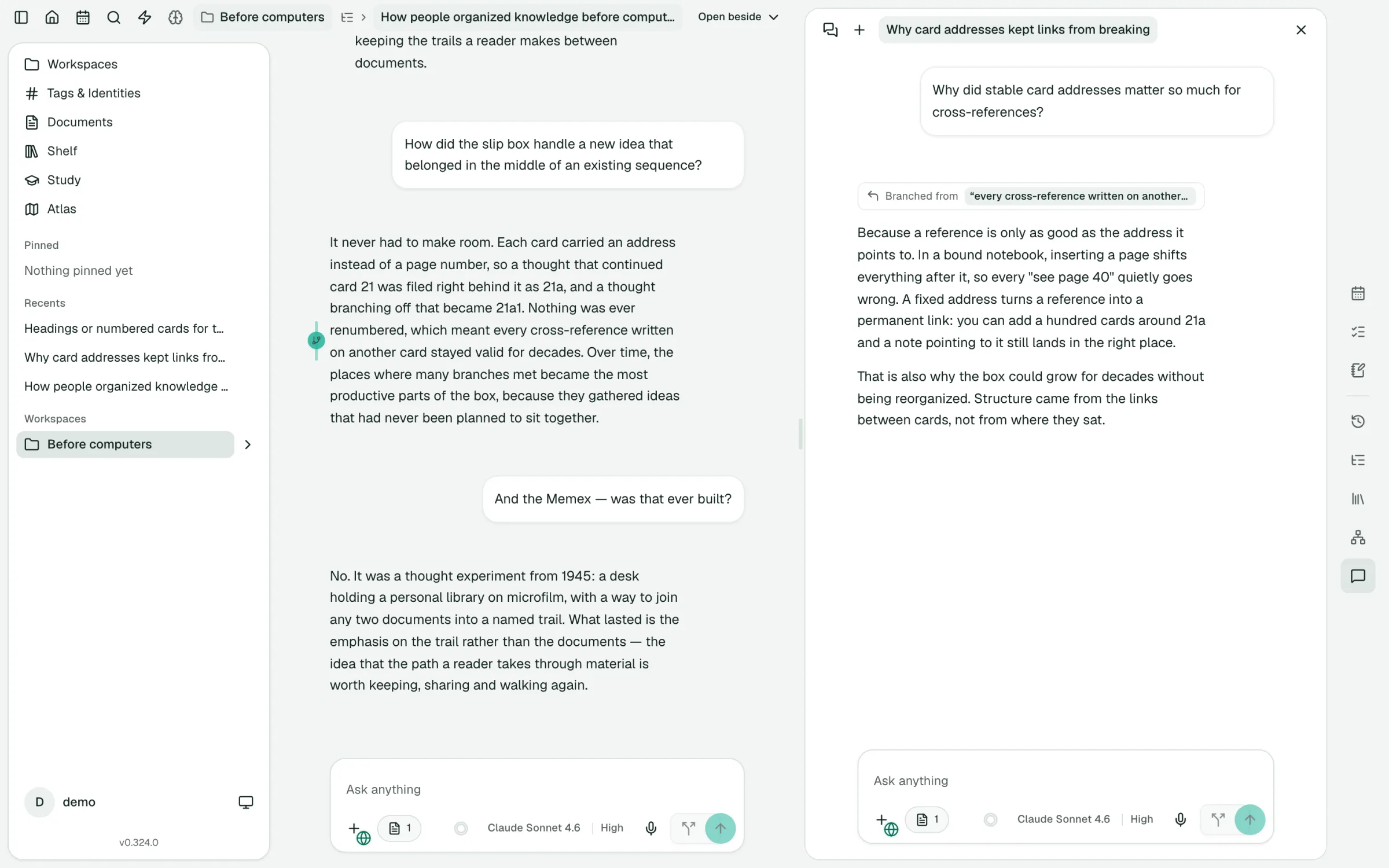
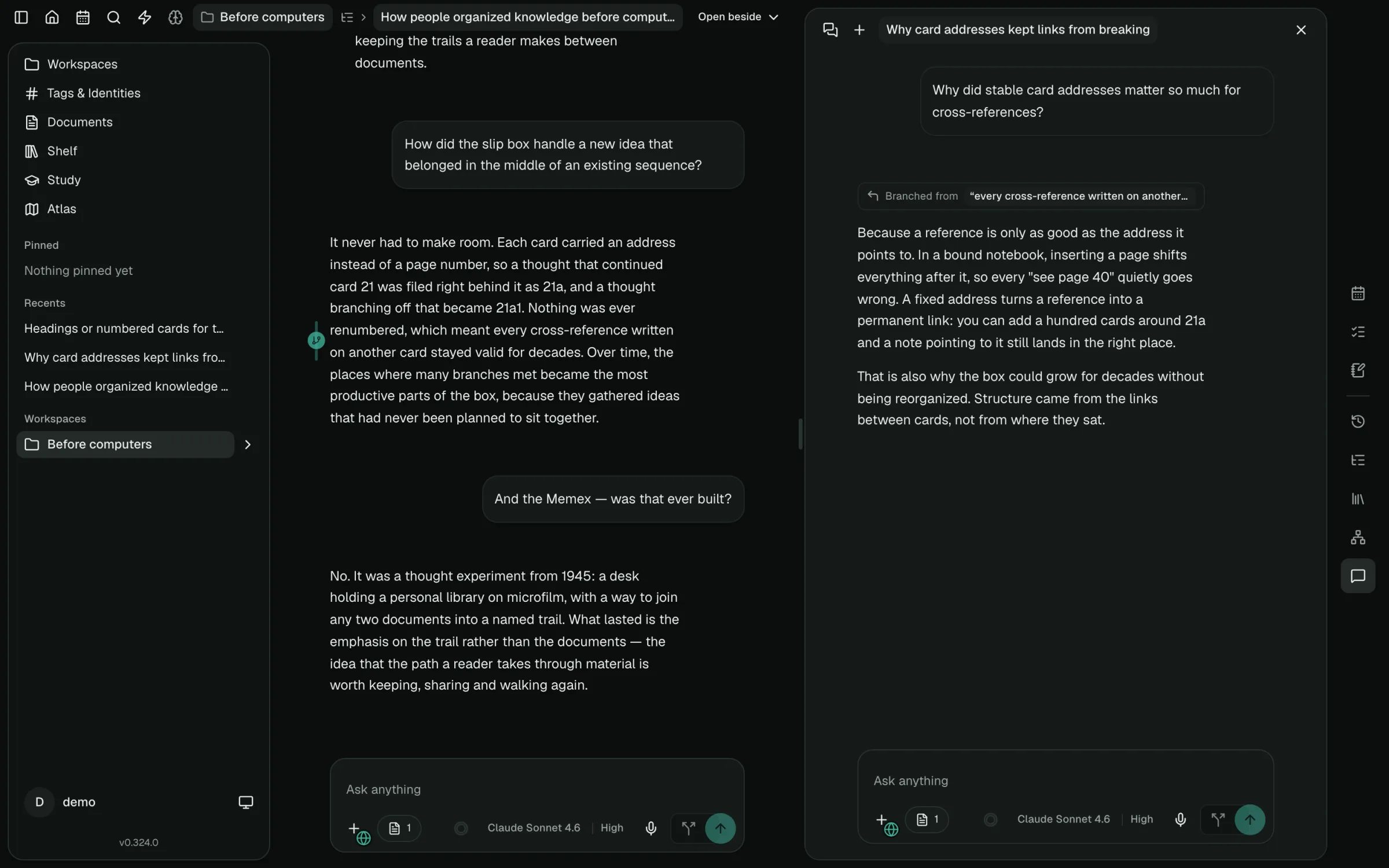
Branch from a sentence, not just a message.
Something in an answer catches your eye. Select it and follow that thread in its own conversation, right beside the one you’re in.
- Branch from any selection or any message
- Branches stay nested in a tree next to the original chat
- A gutter marker stays beside the passage you branched from
- Hover to highlight the source text; click to reopen the branch
- Jump back to the exact passage a branch started from
In most AI chats, a branch is a copy of the whole conversation, filed away as one more chat.